neutron


License

License

GroupId

GroupId

com.chatroulette
ArtifactId

ArtifactId

neutron_2.13
Last Version

Last Version

0.0.1
Release Date

Release Date

Type

Type

jar
Description

Description

neutron
neutron
Project URL

Project URL

https://github.com/cr-org/neutron
Project Organization

Project Organization

Chatroulette
Source Code Management

Source Code Management

https://github.com/cr-org/neutron

Download neutron_2.13

How to add to project

<!-- https://jarcasting.com/artifacts/com.chatroulette/neutron_2.13/ -->
<dependency>
    <groupId>com.chatroulette</groupId>
    <artifactId>neutron_2.13</artifactId>
    <version>0.0.1</version>
</dependency>
// https://jarcasting.com/artifacts/com.chatroulette/neutron_2.13/
implementation 'com.chatroulette:neutron_2.13:0.0.1'
// https://jarcasting.com/artifacts/com.chatroulette/neutron_2.13/
implementation ("com.chatroulette:neutron_2.13:0.0.1")
'com.chatroulette:neutron_2.13:jar:0.0.1'
<dependency org="com.chatroulette" name="neutron_2.13" rev="0.0.1">
  <artifact name="neutron_2.13" type="jar" />
</dependency>
@Grapes(
@Grab(group='com.chatroulette', module='neutron_2.13', version='0.0.1')
)
libraryDependencies += "com.chatroulette" % "neutron_2.13" % "0.0.1"
[com.chatroulette/neutron_2.13 "0.0.1"]

Dependencies

compile (1)

Group / Artifact Type Version
org.scala-lang : scala-library jar 2.13.2

Project Modules

There are no modules declared in this project.

neutron

CI Status MergifyStatus Maven Central Scala Steward badge Cats friendly

A pulsar is a celestial object, thought to be a rapidly rotating neutron star, that emits regular pulses of radio waves and other electromagnetic radiation at rates of up to one thousand pulses per second.
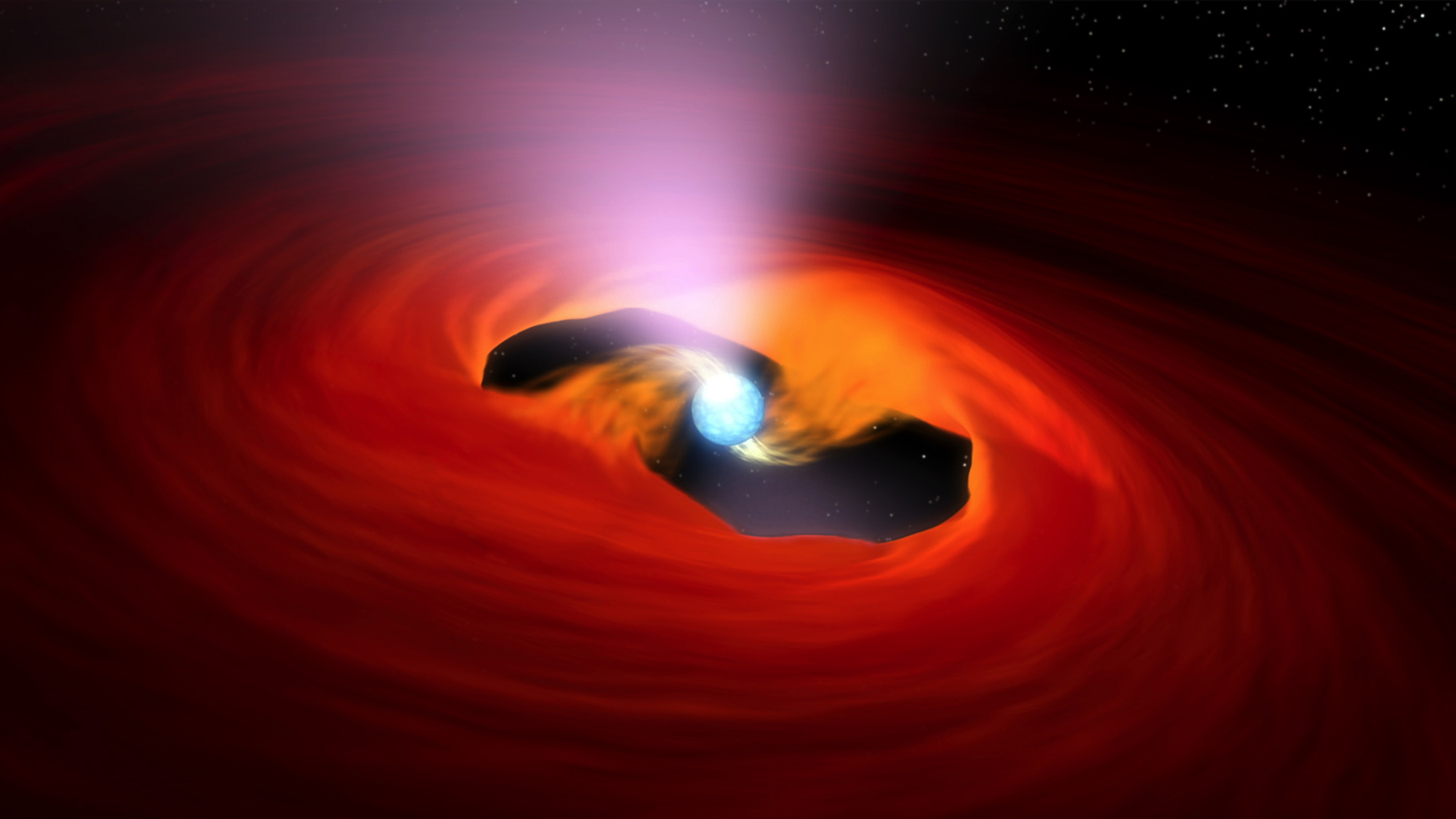
pulsar

Disclaimer

Chatroulette uses this library in production as the base of the whole platform. However, this library is in active development so if you want to use it, do it at your own risk.

Documentation

Check out the microsite.

Pulsar version

At the moment, we target Apache Pulsar 2.7.x.

Development

If you have sbt installed, you don't have to worry about anything. Simply run sbt +test command in the project root to run the tests.

If you are a nix user, make sure you enter a Nix Shell by running nix-shell at the project's root.

sbt +test

Remember to first start Pulsar and its configuration via the provided shell script.

./run.sh

Schemas

Working with schemas when using our Pulsar docker-compose configuration.

Get schema compatibility strategy:

$ docker-compose exec pulsar bin/pulsar-admin namespaces get-schema-compatibility-strategy public/default
FULL

Set schema compatibility strategy:

$ docker-compose exec pulsar bin/pulsar-admin namespaces set-schema-compatibility-strategy -c BACKWARD public/default

com.chatroulette

Chatroulette

We connect people.

Versions

Version
0.0.1